The dream setup
to vibe code real apps
For PMs, Designers & Founders who want to ship real features, without code knowledge.
Use AI as your unfair advantage, before your competitors do.
 Claude Codeand
 OpenAI Codex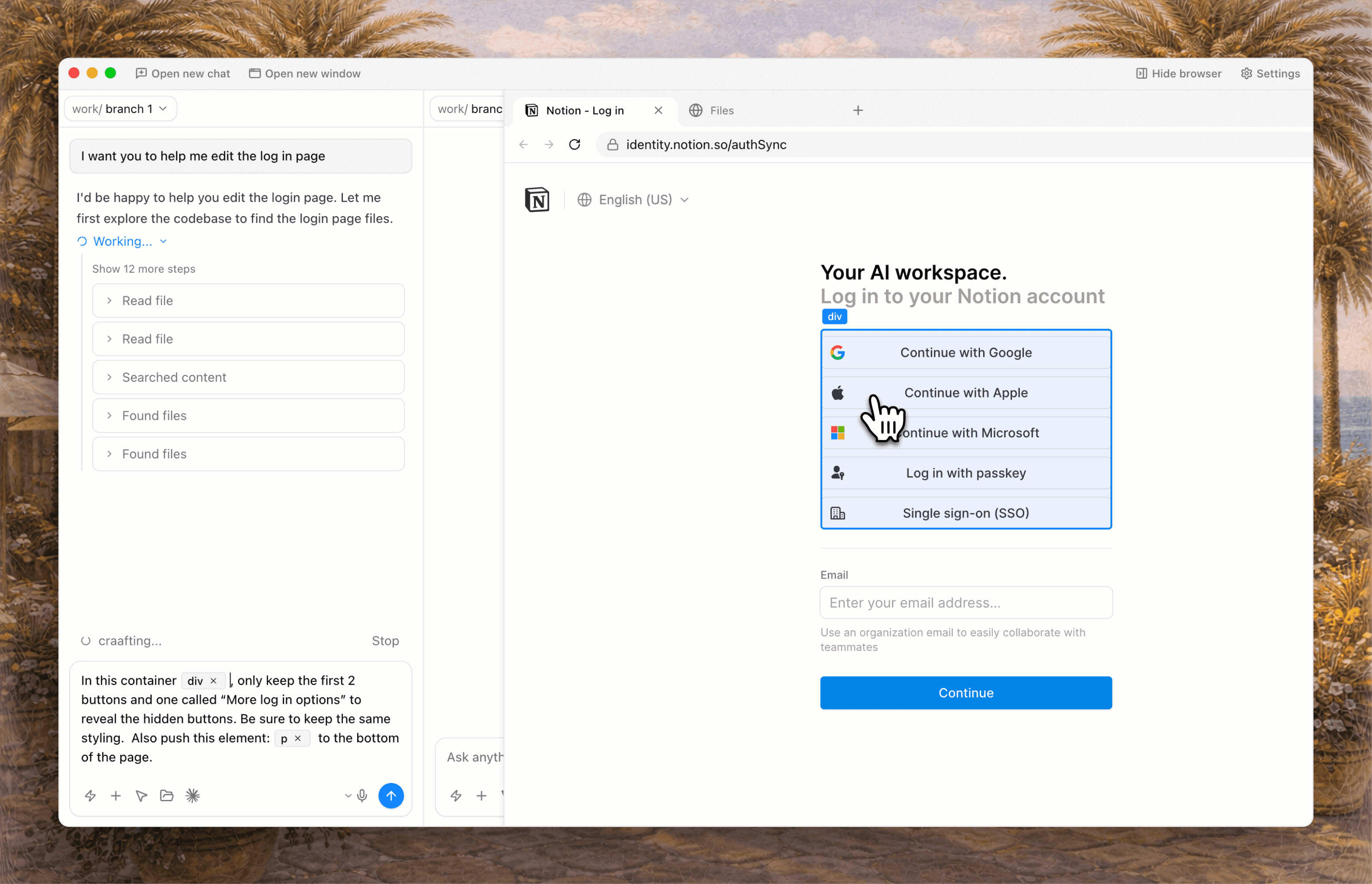
Use the best AI models,
without a scary terminal
Lovable is great for quick prototypes. Claude Code & OpenAI Codex are the real deal.
craaft connects to your AI models from your terminal, no API key required.
You can build apps from scratch or work on your company's product.
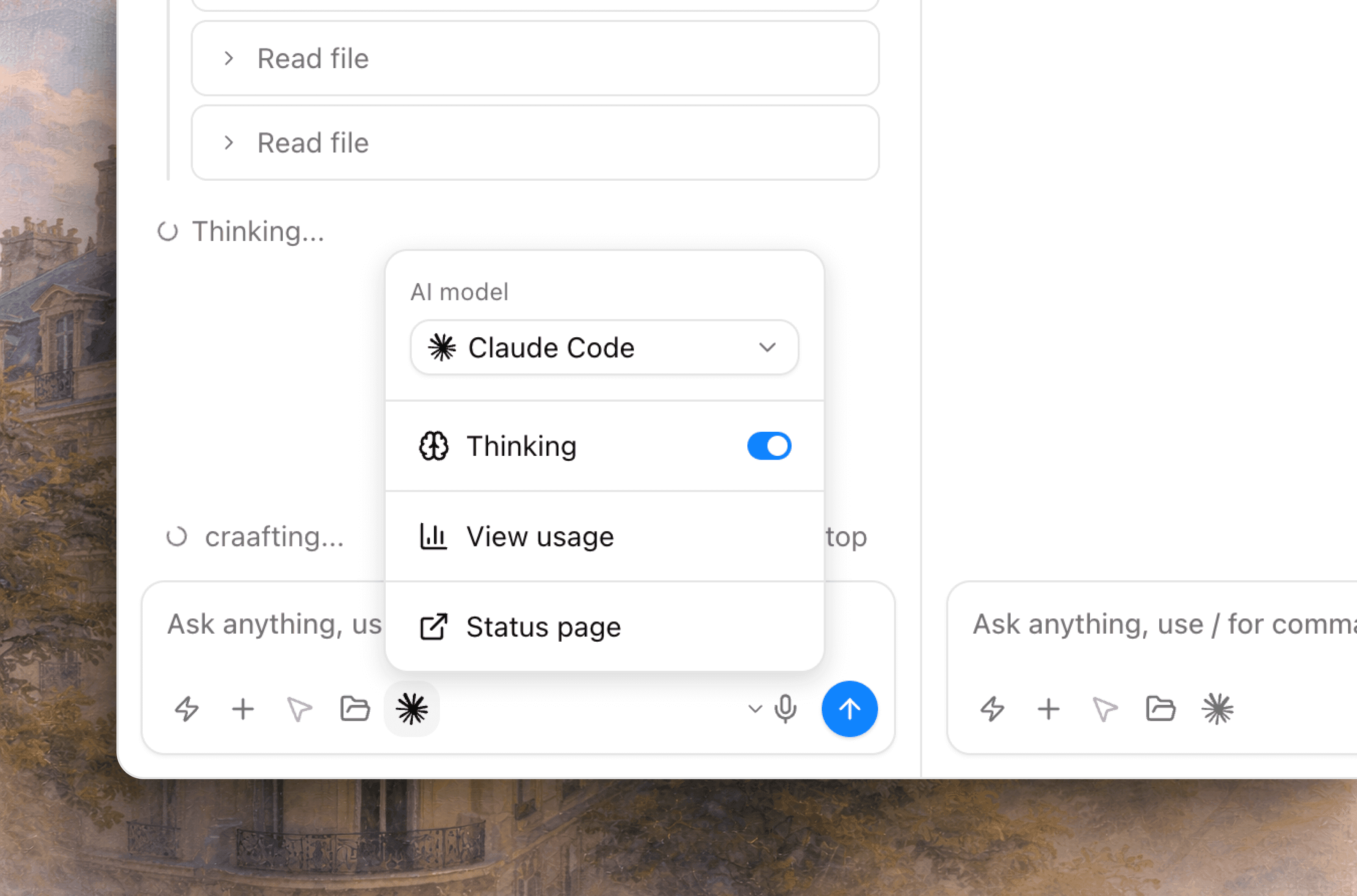

Runs 100% locally
AI models run on your computer, not online.

100% ownership
You own everything you build. You will never be locked in.

Data stored 100% locally
Your code, chats, to-dos are stored on your computer, we don't have access.

100% privacy
We don't collect any cookies. We don't resell any data.
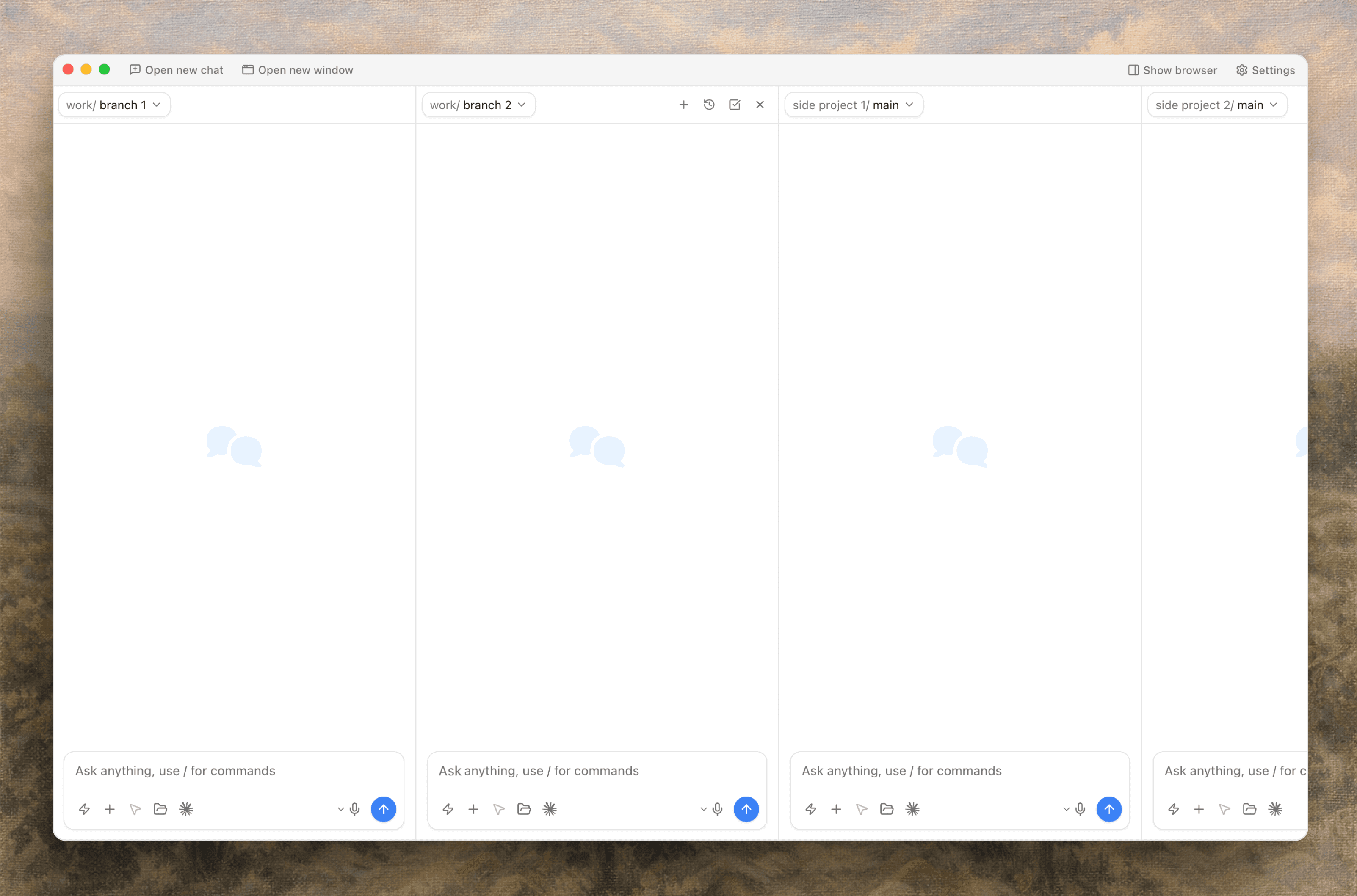
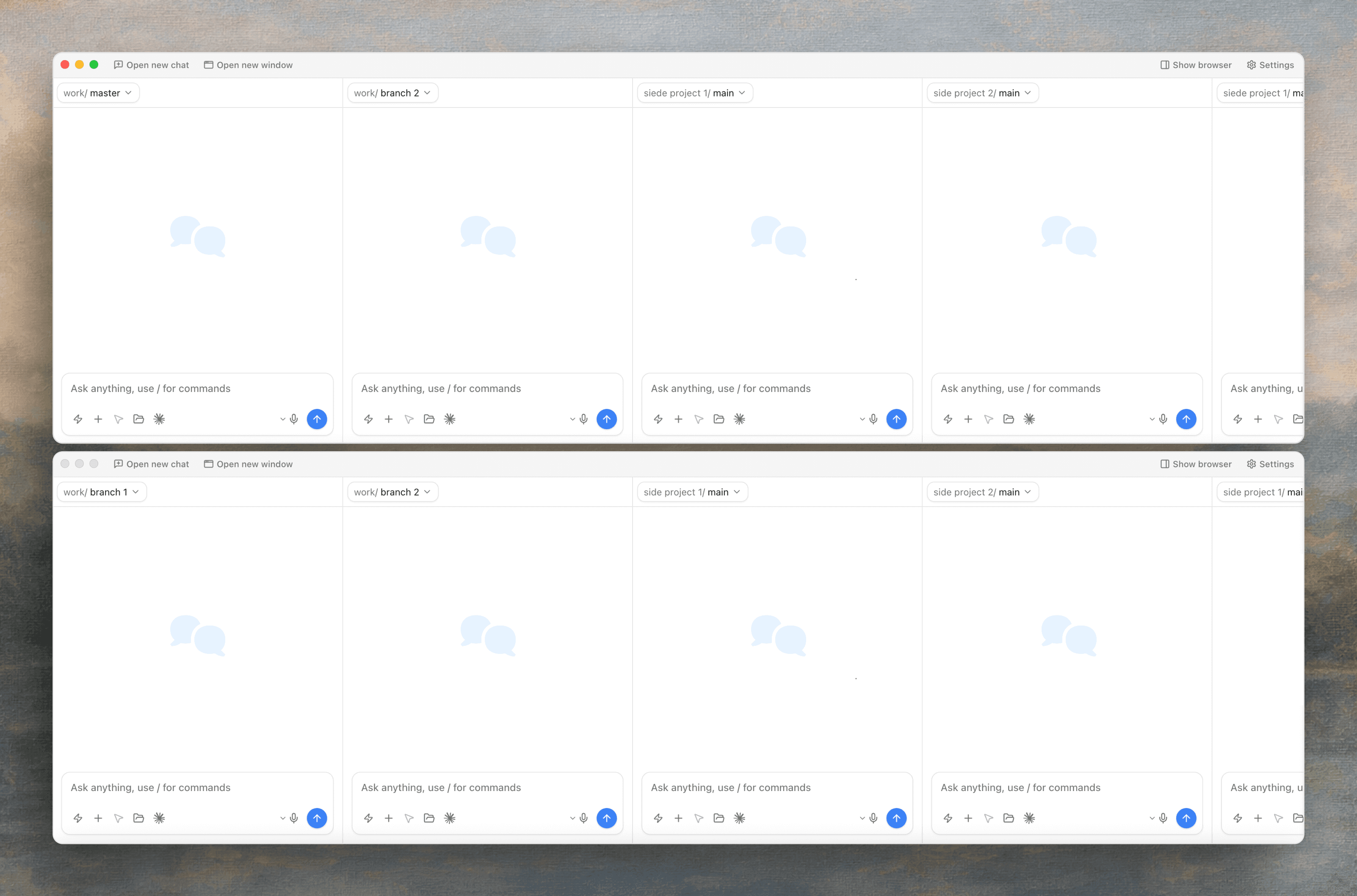
Customize your layout
for maximum productivity
Open one or multiple chats and one of multiple windows
to work on multiple AI tasks at the same time.
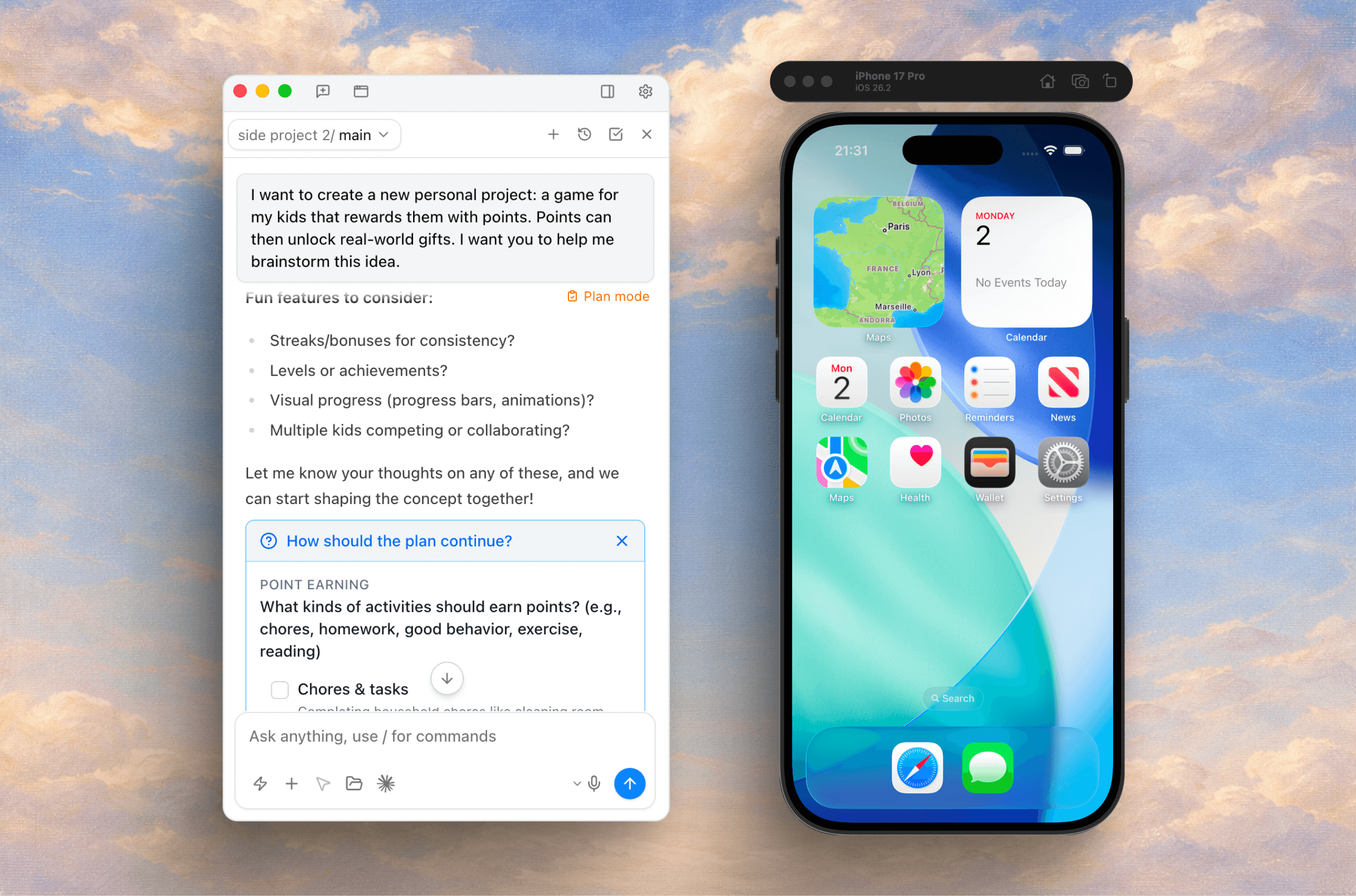
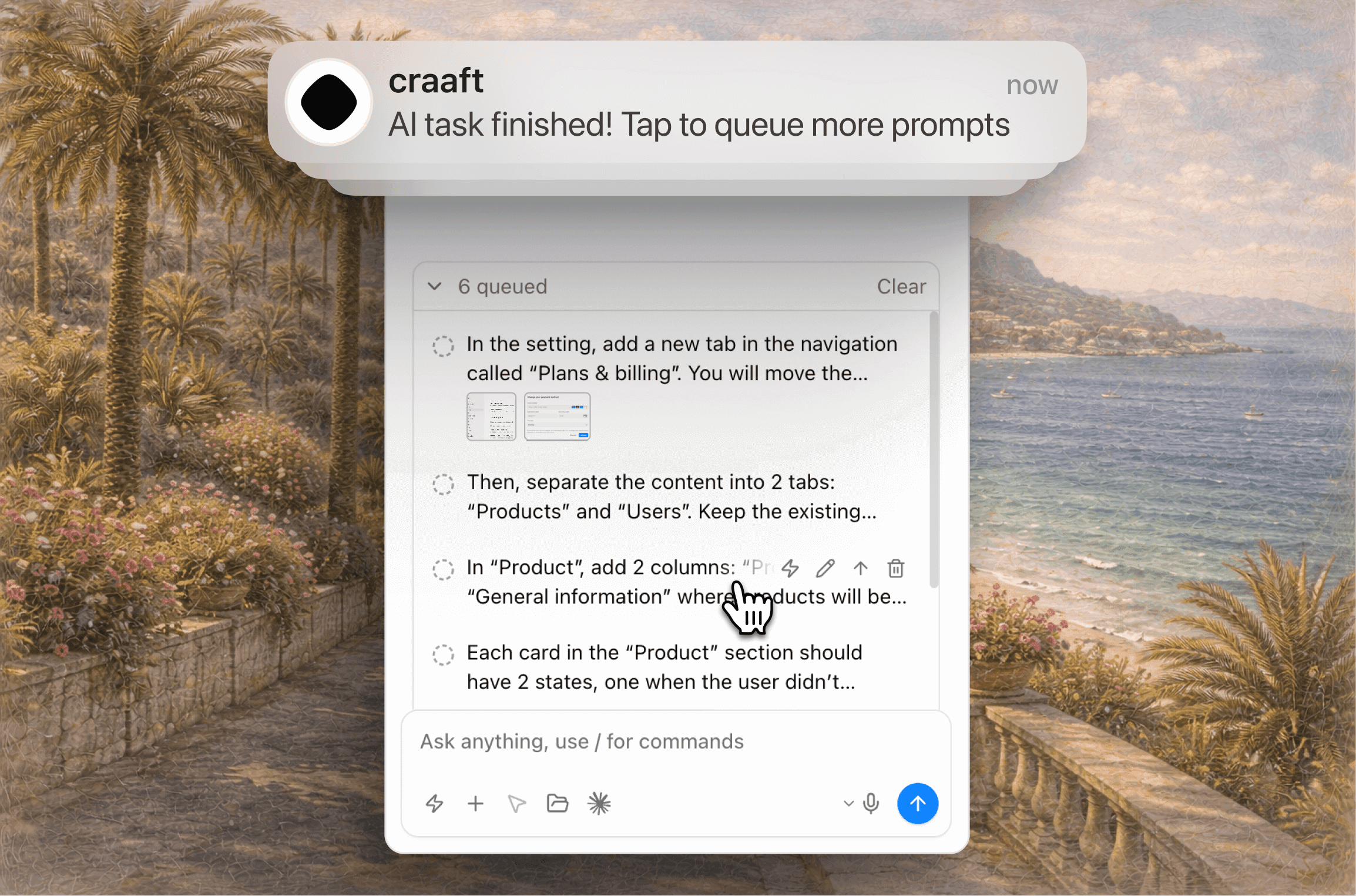
Queue prompts & get
notified when AI is finished
Break down tasks to get better outputs or bypass the queue to add more context to the current task.
Setup custom notifications & sounds when you need to add more messages to the queue.
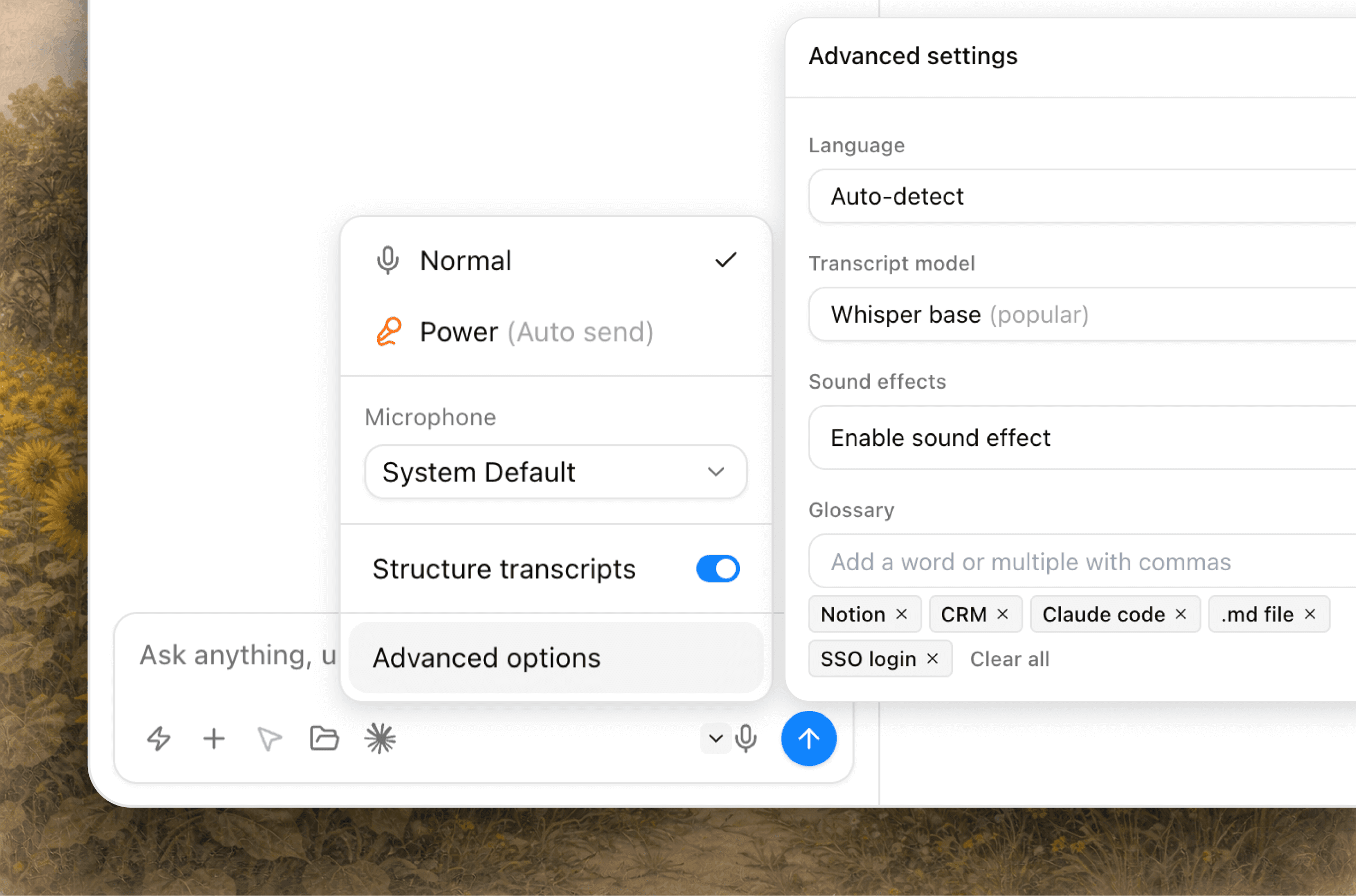
Talk to prompt faster
& get better results
We give more details when speaking, which helps AI do a better job.
Review transcripts or turn on auto-send.
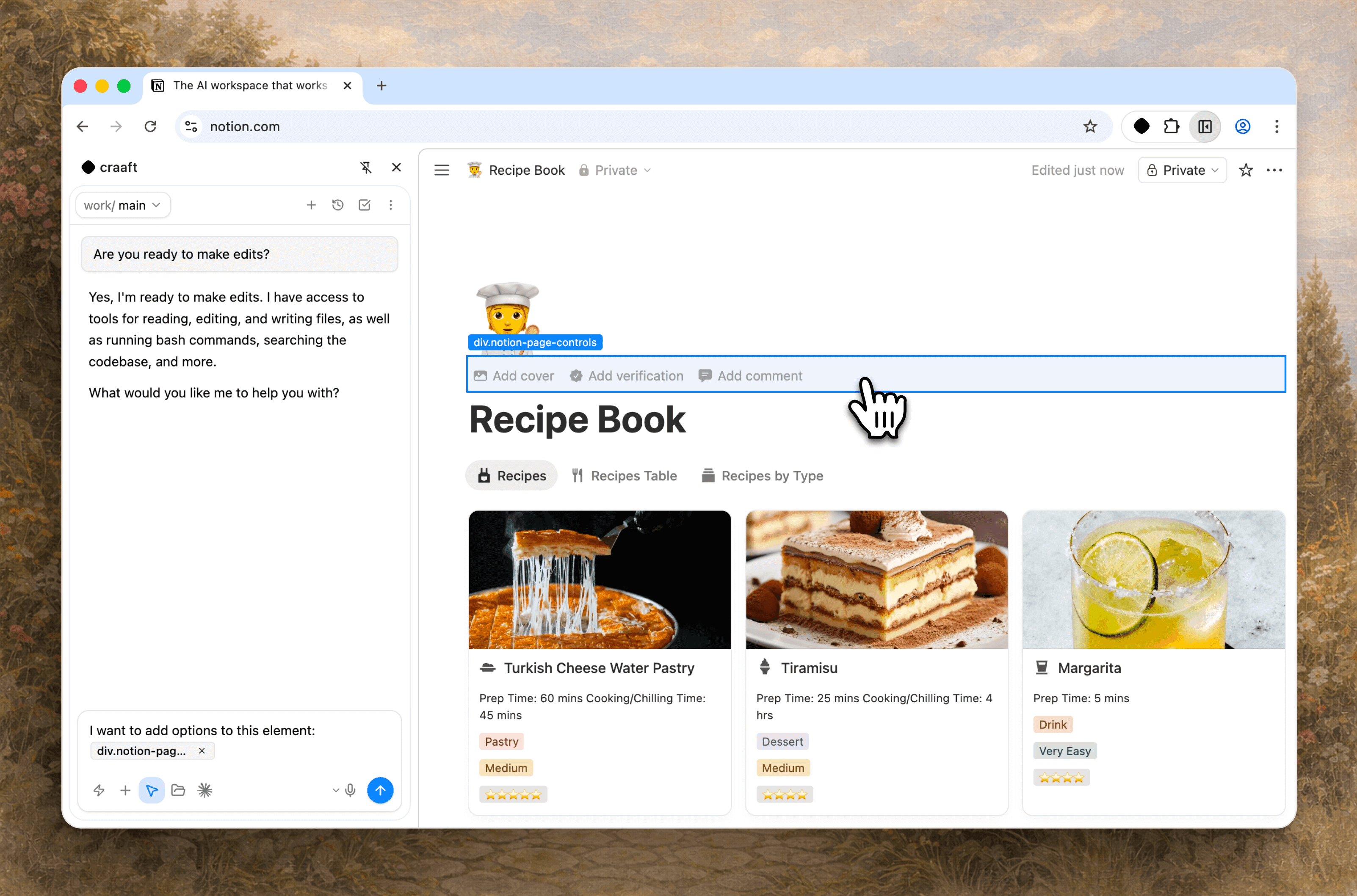
Point to any
element in your app
Stop describing where to make changes,
just click on the element with the magic pointer.
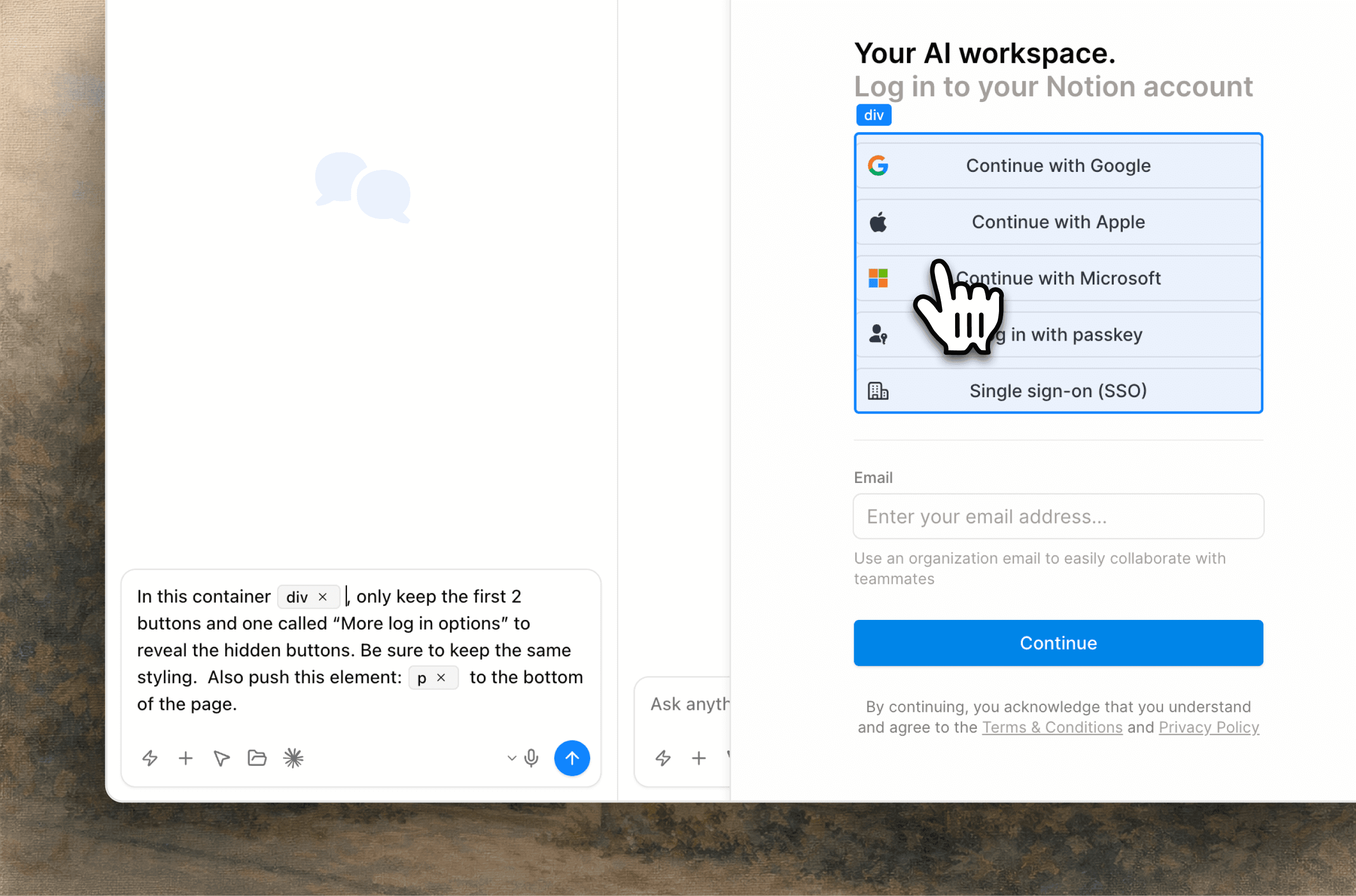
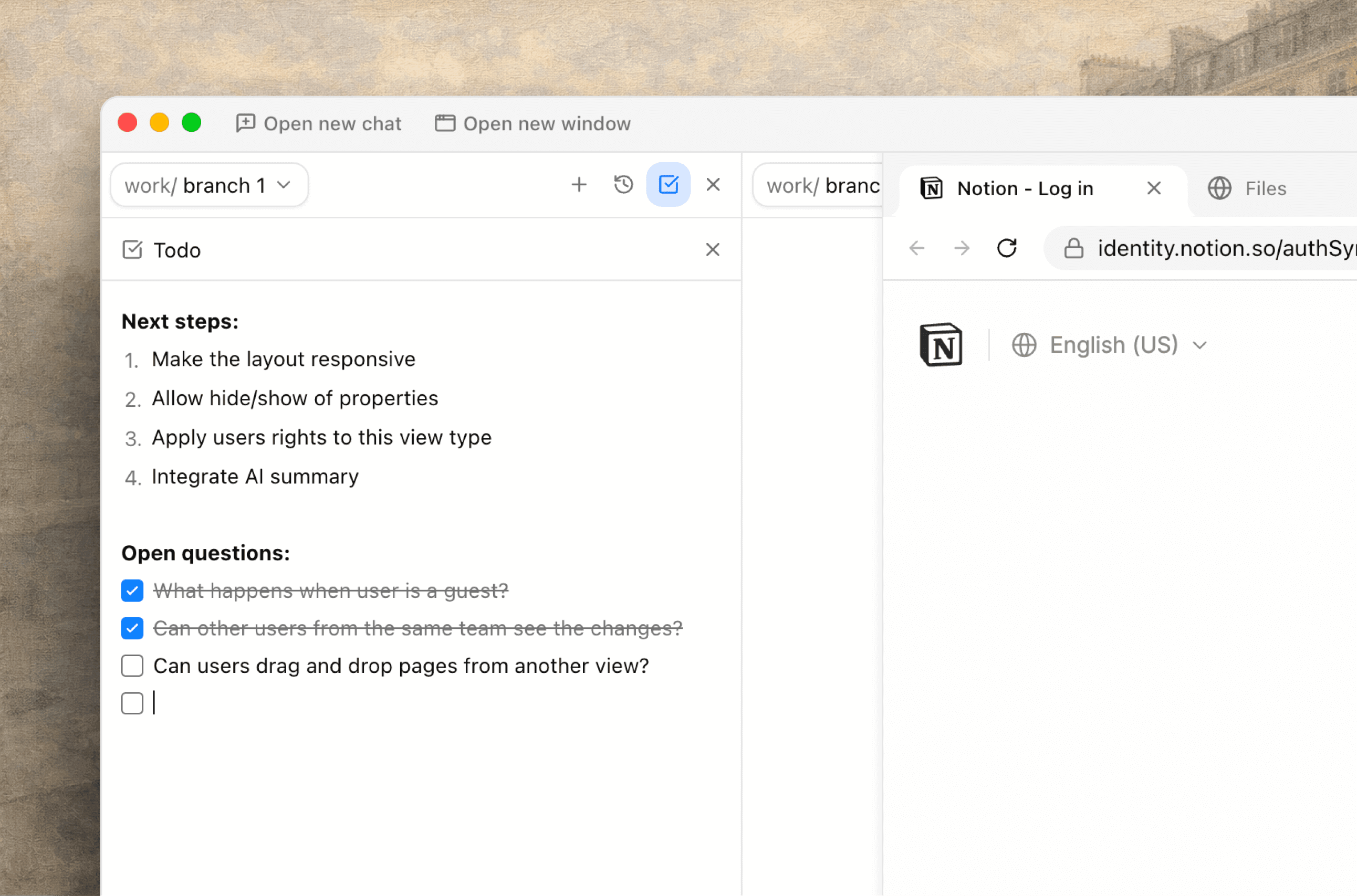
Keep track
of your roadmap
Easy & quick access to the only todo list you need,
without context switching.
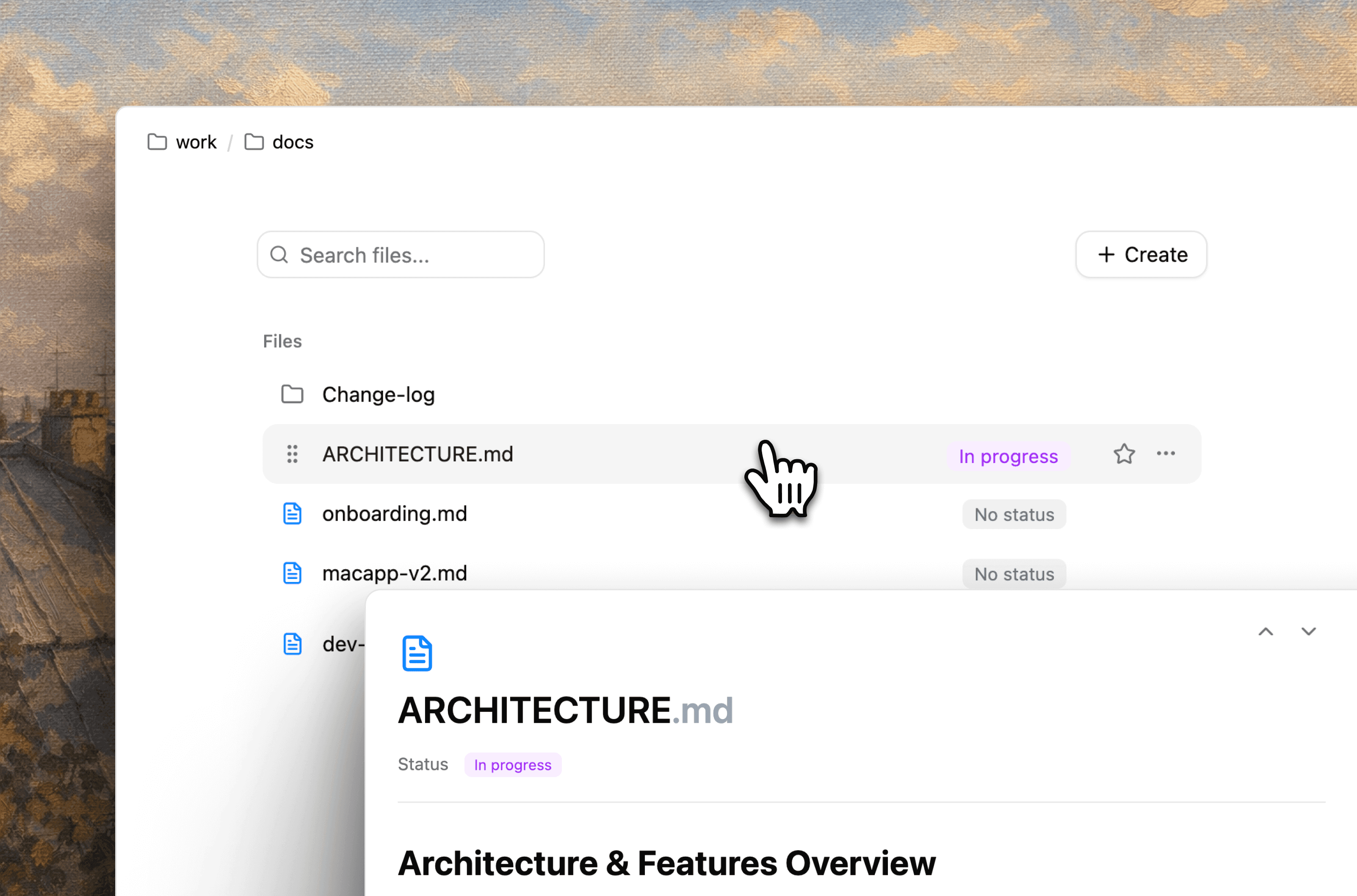
Access your app's files
in a familiar way
Browse your files seamlessly, create folders & markdown
pages (.md files) to write your product specs and share them with AI.

Real auto-edit mode
Unlike other auto-edit modes, ours is what you expect.

Screenshot to chat
Send a screenshot to AI of your project, with one click, no third party tool to buy.

Smart shortcuts
Vibe code faster than ever with keyboard shortcuts.

Use skills, plugins & MCPs
Use AI skills, plugins & MCPs to improve output quality.
No credits,
Simple pricing,
No surprises
1 beer 🍺 a week, for endless opportunities

Pro
Best for PMs, Designers & Founders
- Unlimited AI chats & projects
- Connect to all AI models
- File manager
- Mac app
- Voice dictation
- Magic pointer
- Todo list
Enterprise
Best for large teams
Request a demo- Everything included in Pro
- 1:1 onboarding
- Premium support
- Bank transfer
- Custom terms
- Vibe code training
- Exclusive access to new features
Vibe coding uses a lot of credits.
Vibe coding real products with Lovable, Cursor, etc. is crazy.
You will spend $200+ a day because they run on their own AI models and charge OpenAI / Claude API usage.
-
The most expensive plan for Claude Code / OpenAI Codex is
$200 per month and is unlimited usage (just insane value).
We recommend you take Claude and/or Codex subscription to never worry about limits and take your craaft subscription to maximize your time.